
Have something
worth opening.
Create a rhythm people can recognise: a weekly question, a practical session or a genuinely useful piece of learning.
Your community. Closer.
Your people have enough to remember. Give them a familiar place to return to—right there on their home screen.
Explore the app An optional upgrade for Aucoto Community.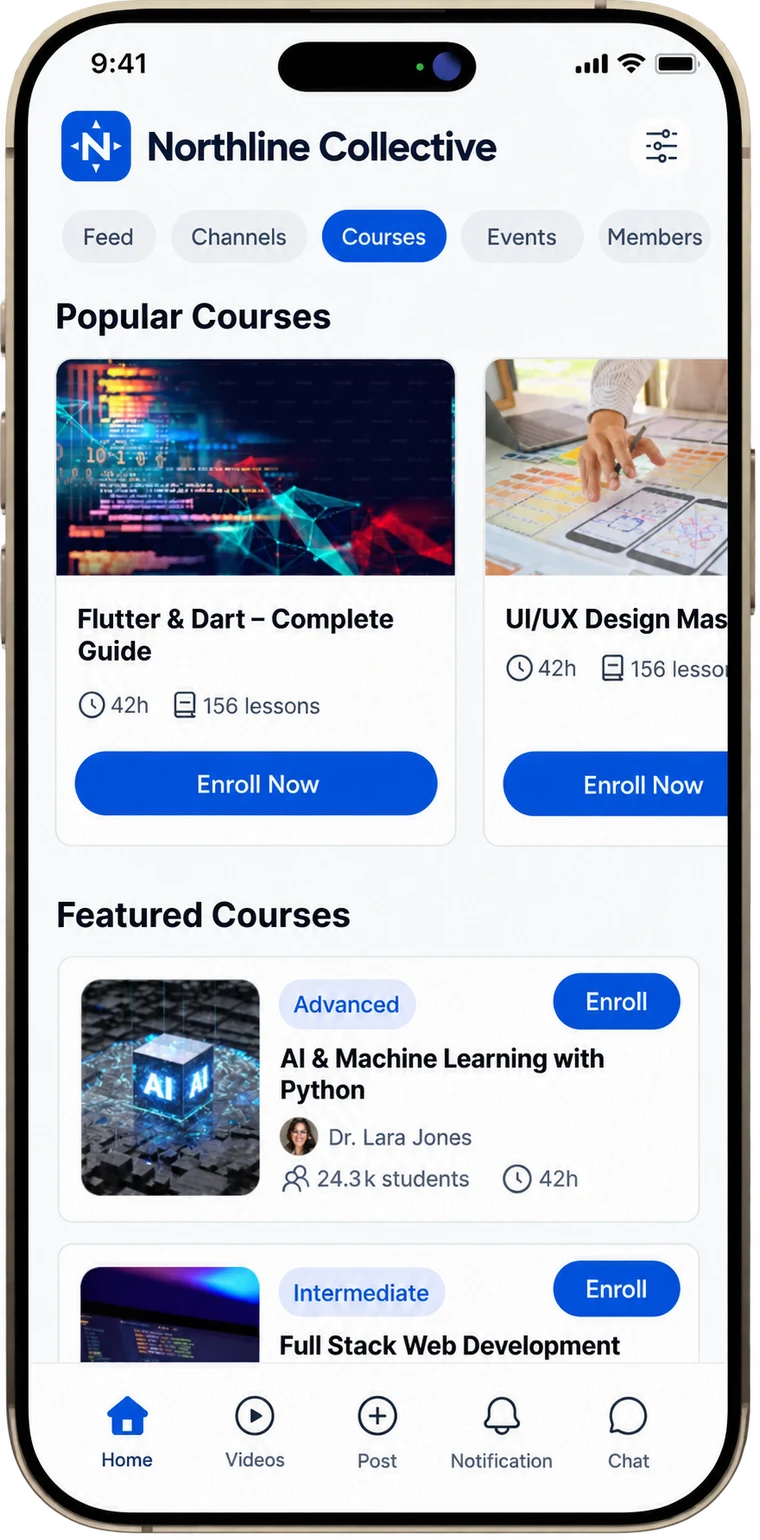
01 / Close the distance
The best reason to open your app is what’s happening inside it.
A thoughtful answer. A useful lesson. Someone who understands the problem. The app gives those moments a recognisable home; you give people a reason to care.
Start with a purposeful community. Add the app when it makes the experience simpler for the people you serve.
02 / Take a look inside
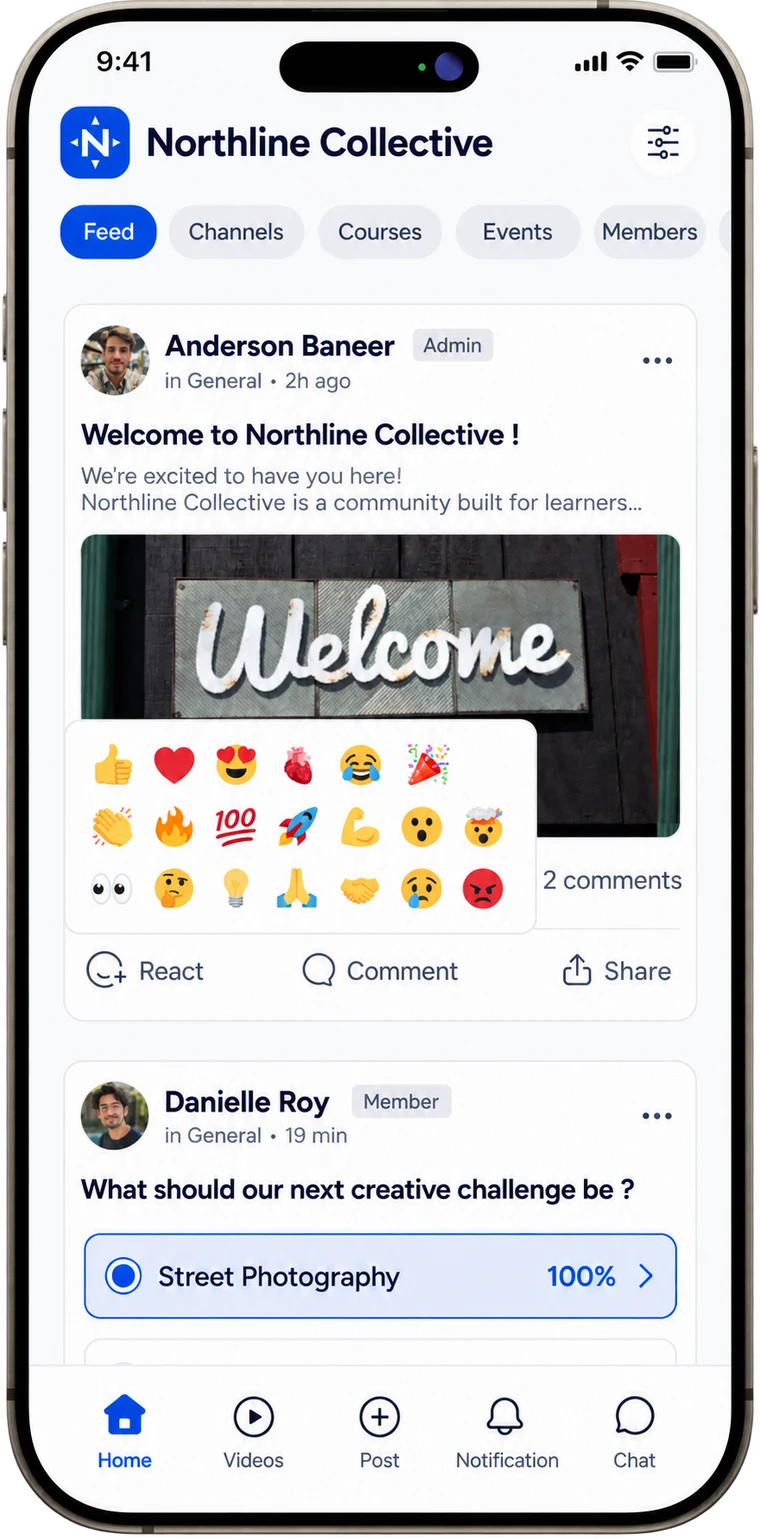
From a conversation to a course, give members a familiar place to connect, learn and join in—wherever their day takes them.
Posts, polls, reactions and replies in a mobile feed.
Your community / on the move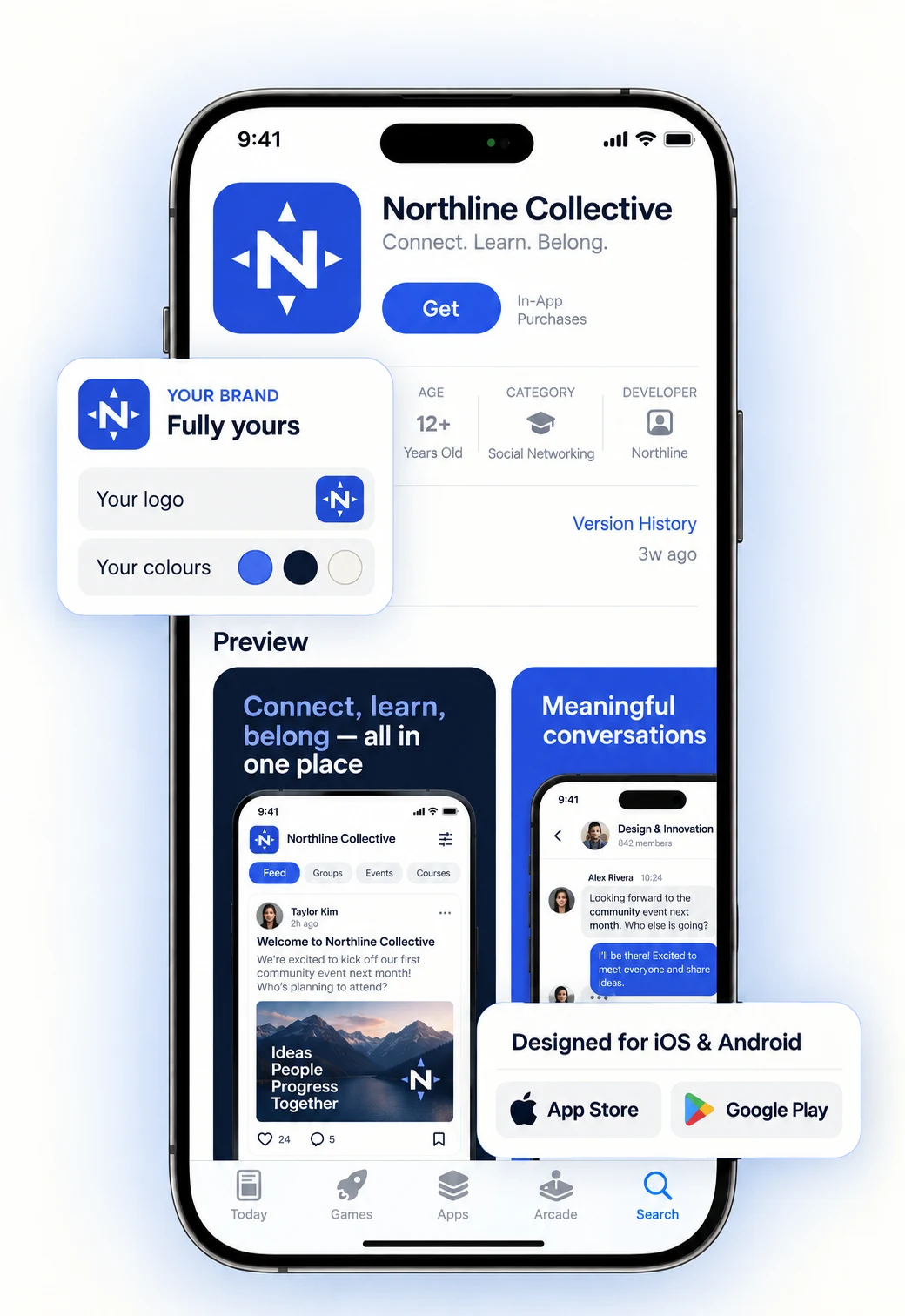 Recognisable, from the first tap.
03 / Unmistakably yours
Your community name, logo, app icon, launch screen, colours and light/dark appearance create a connected identity.
Consistency isn’t decoration. It helps people know they’re in the right place.
04 / A thoughtful next step
An app is a way to support your community—not a substitute for building one.
Create a rhythm people can recognise: a weekly question, a practical session or a genuinely useful piece of learning.
Decide what deserves an interruption. A helpful reminder builds a different relationship from a constant stream of prompts.
Ask members where the friction is. The right next step should make their experience clearer, not your feature list longer.
05 / From idea to home screen
Before committing, agree the app scope, costs and launch requirements for your community.
Who is it for? What should they find first? What will bring them back?
Prepare your name, logo and visual direction, with an experience that feels consistent.
Submission uses your developer accounts. Apple and Google control approval.
06 / The practical questions
No. It is an optional upgrade. Aucoto pricing, eligibility and the exact package need to be confirmed before you commit.
The branded app supports your identity on iOS and Android. Store submission requirements and developer-account responsibilities should be agreed during setup.
Not necessarily. Your members will be able to use the Aucoto mobile app to access your community. A dedicated branded app is an optional upgrade that creates a more personalised experience with your own name, icon and colours. Choose it when that extra brand presence is right for your community—not because you need it to get started.
Offline access is a listed capability, not a promise that every feature works without a connection. Confirm which content can be downloaded for your app.
Review your current platform and what needs to move before planning a migration. Content, member records and subscriptions may each need a different approach.
Agree pricing, supported features, account fees, update arrangements, migration scope and member support. Set a launch date only once the relevant review steps are clear.
Aucoto Community / Your next chapter
Build a useful home first. Make the way back feel effortless.
Explore Aucoto Community Find your community use case →︎Branded app pricing and eligibility confirmed separately.